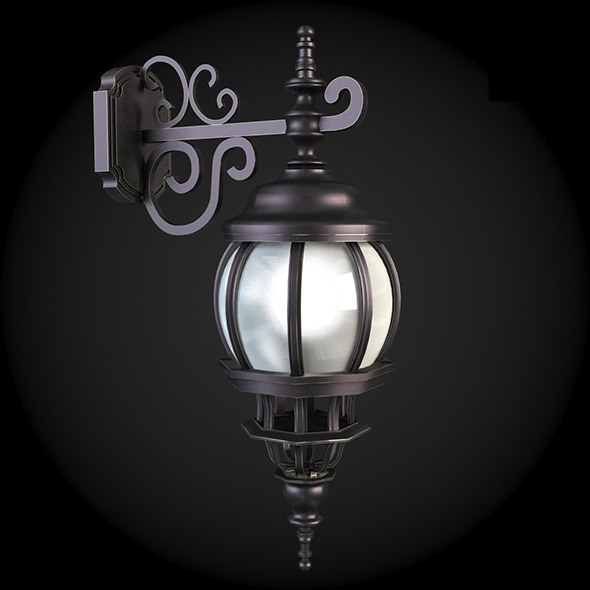
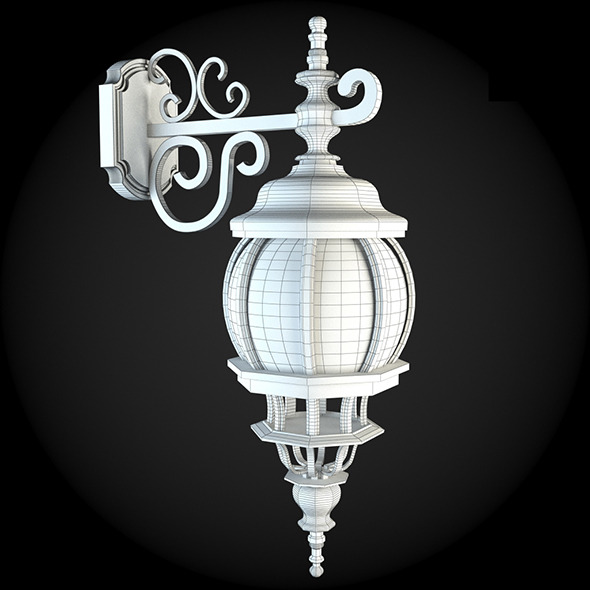
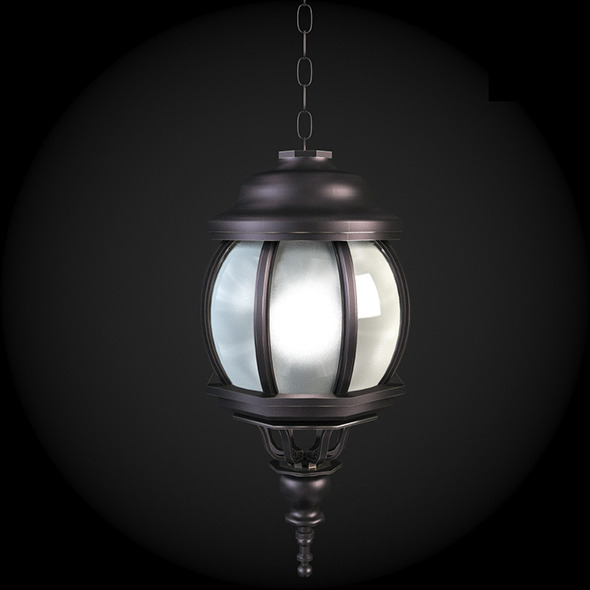
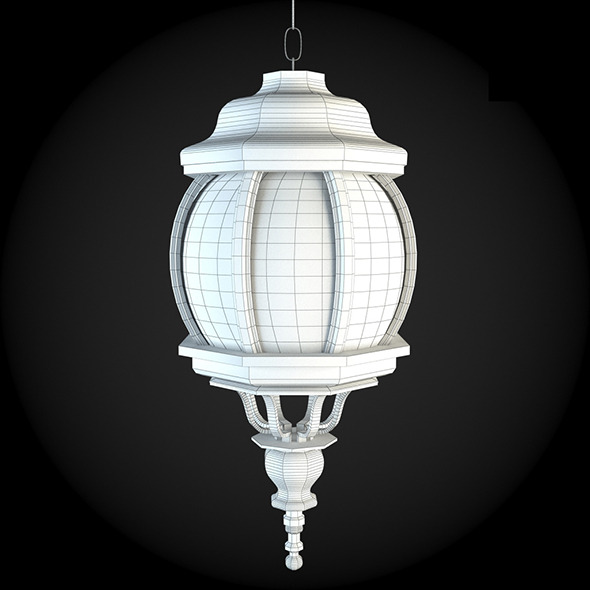
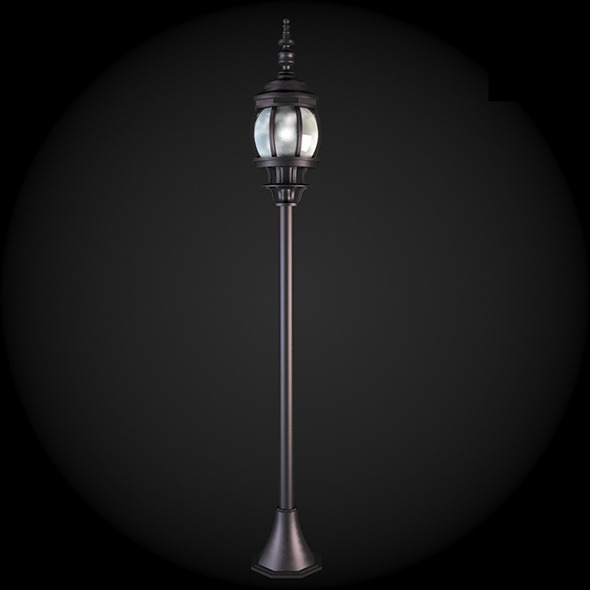
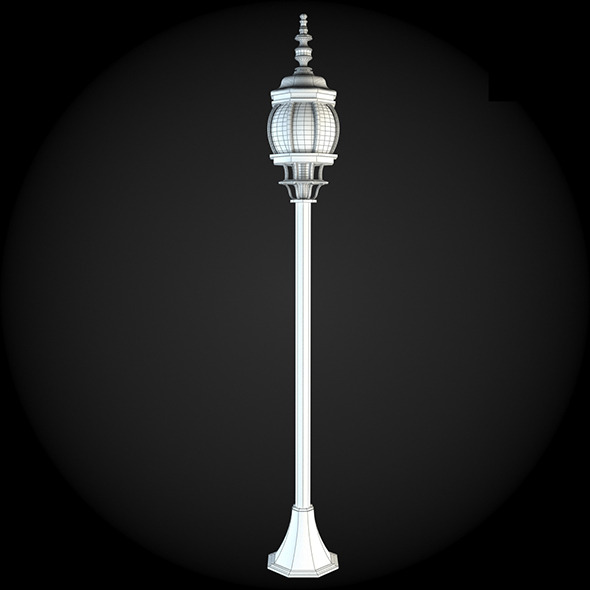
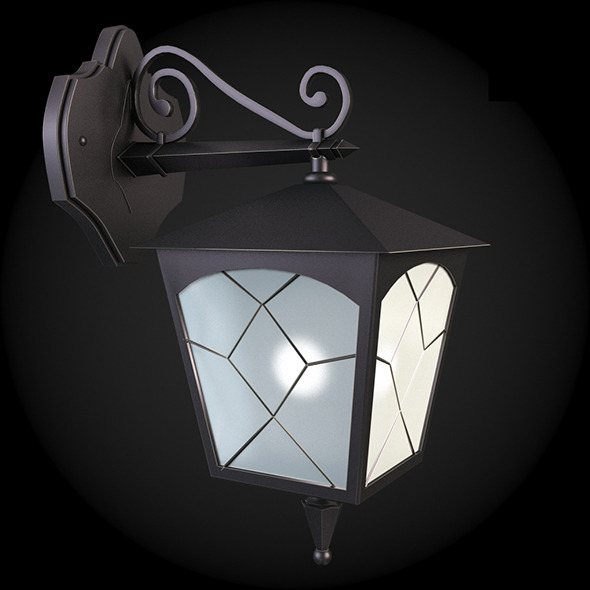
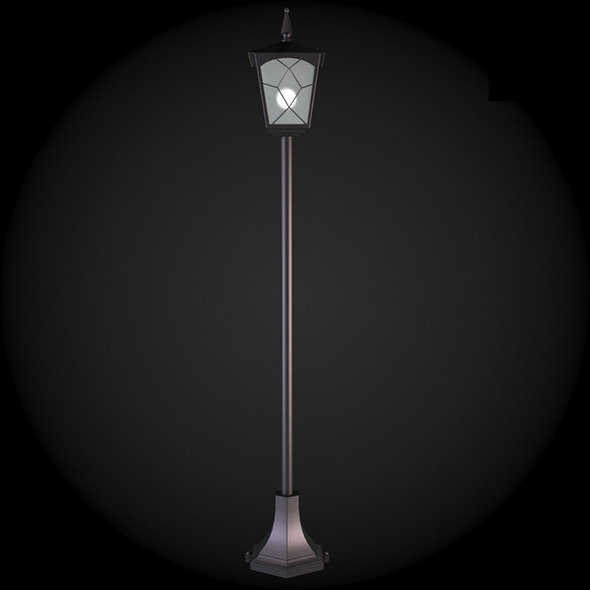
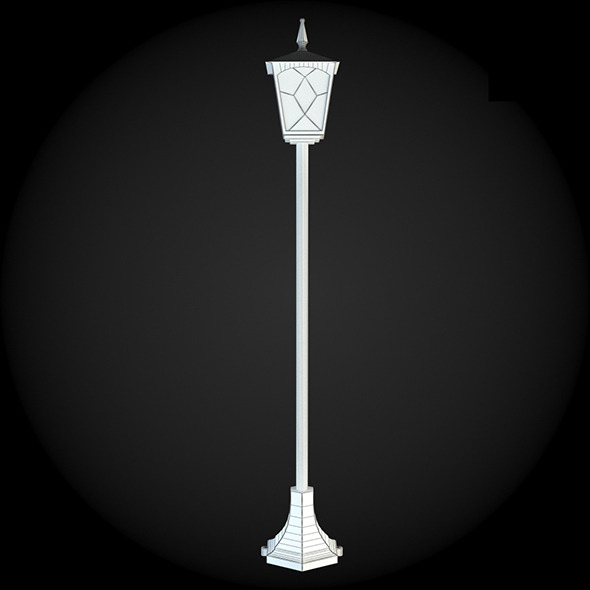
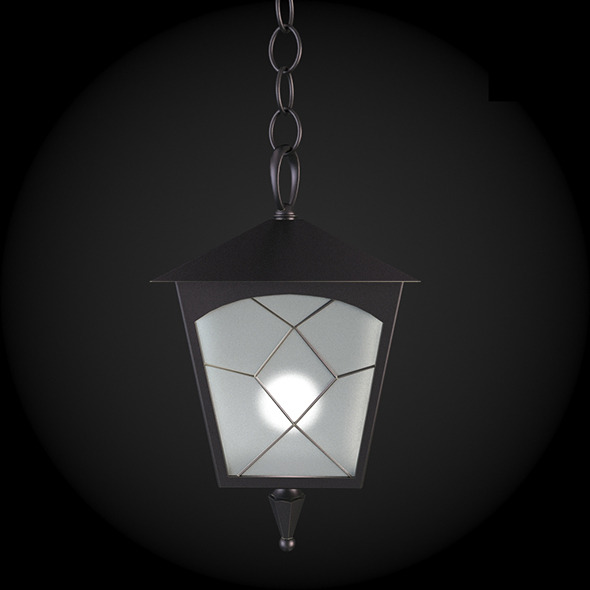
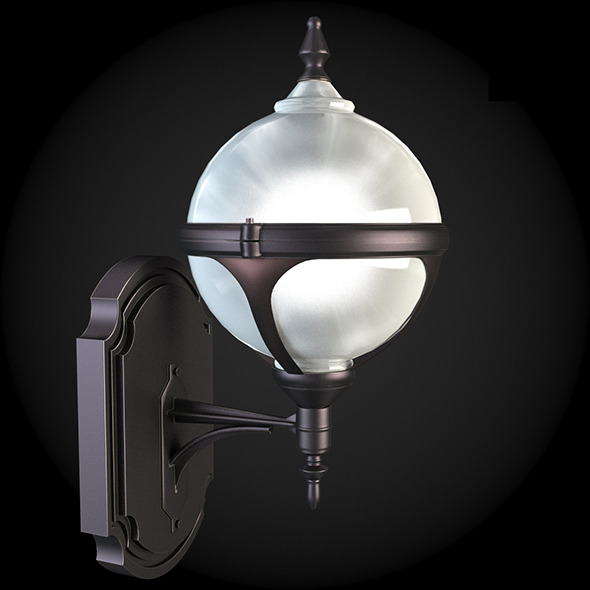
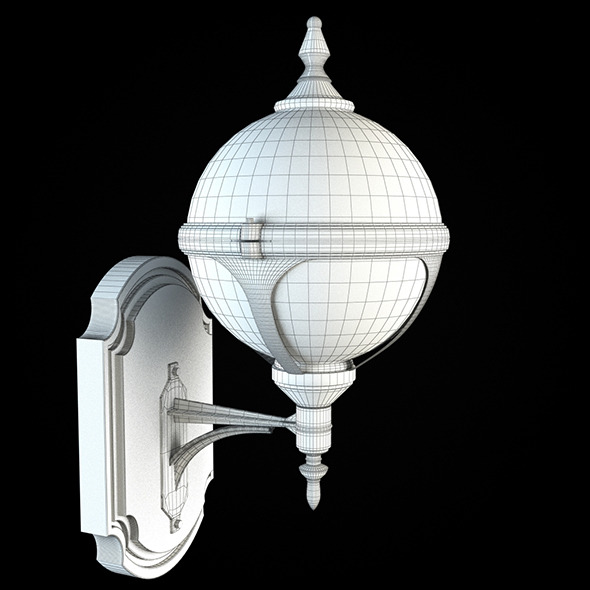
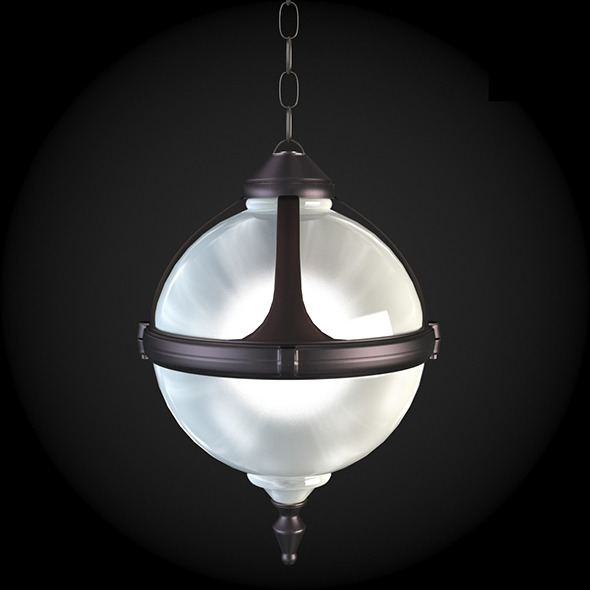
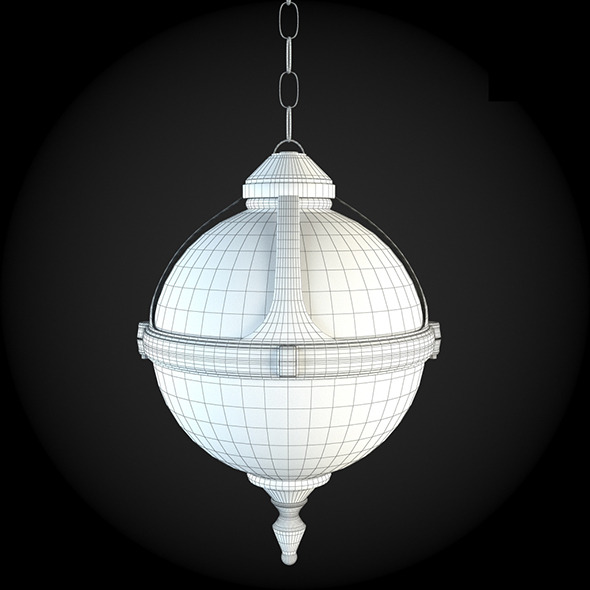
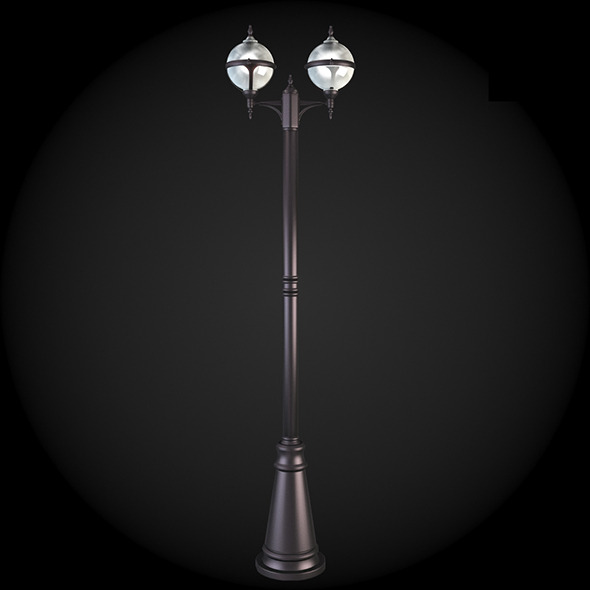
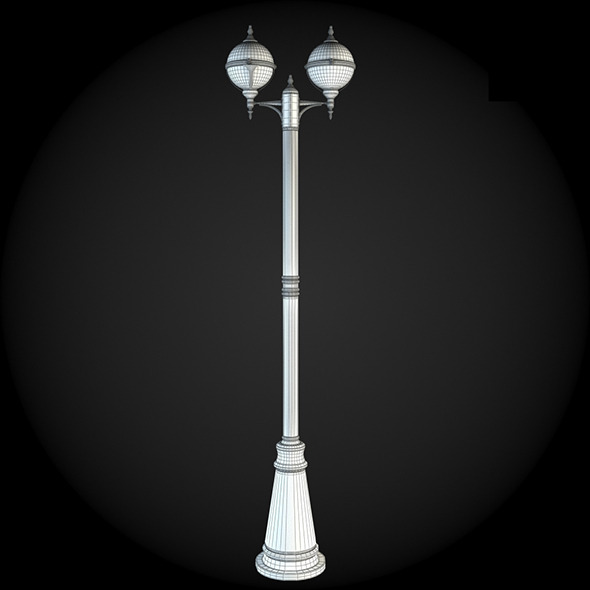
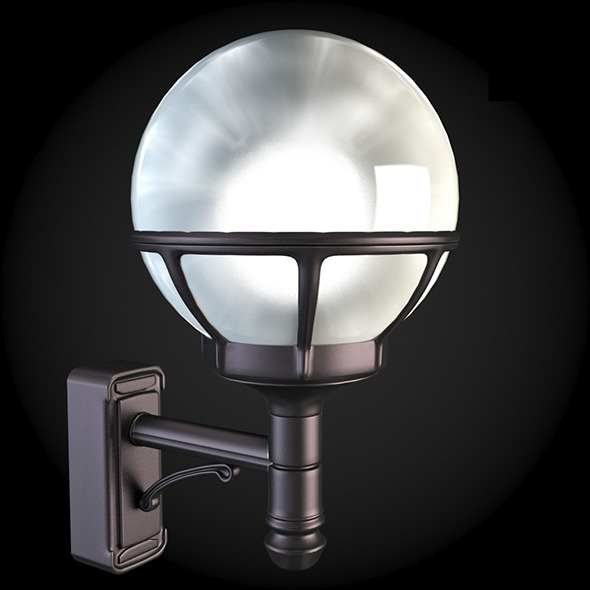
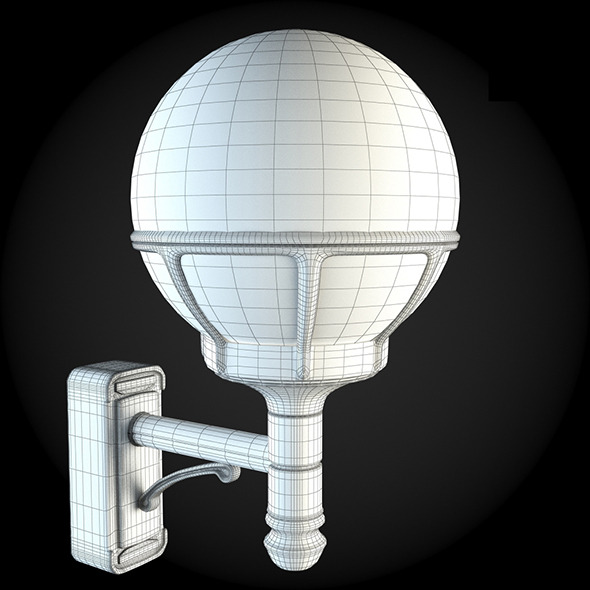
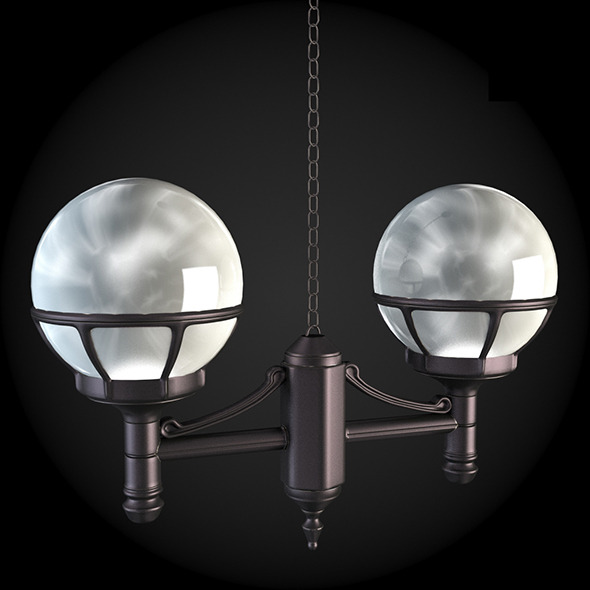
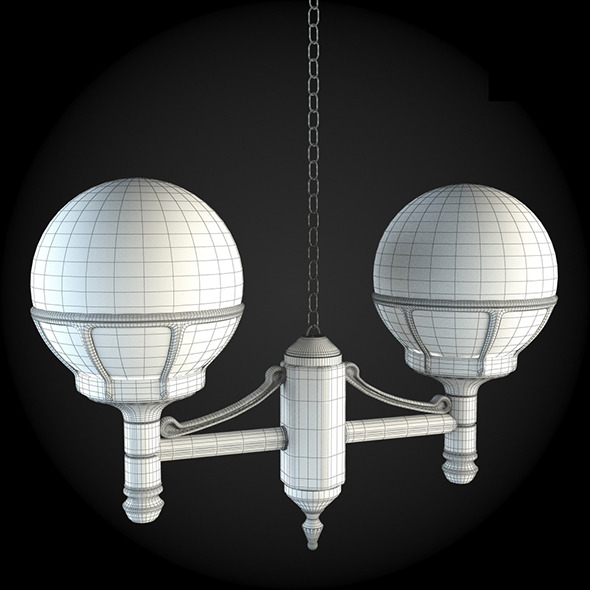
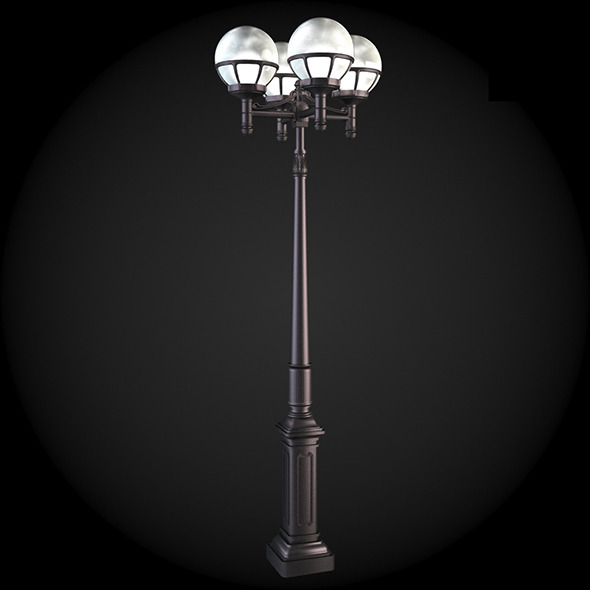
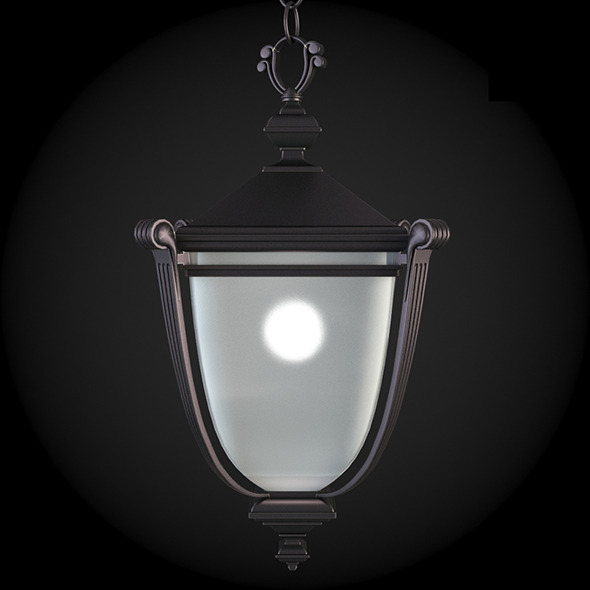
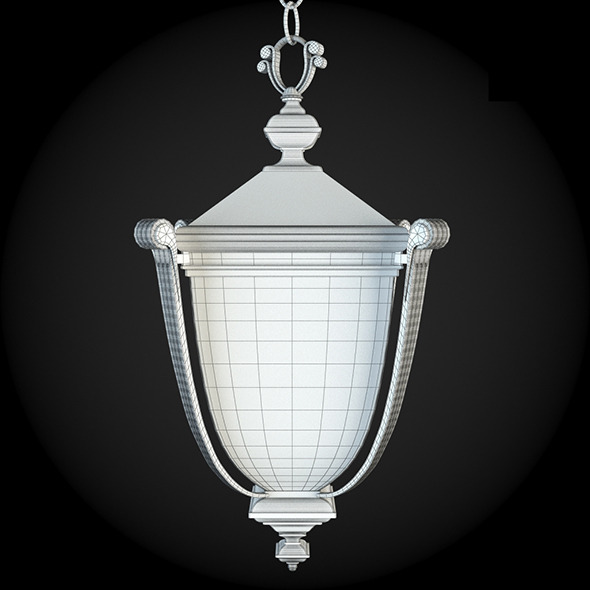
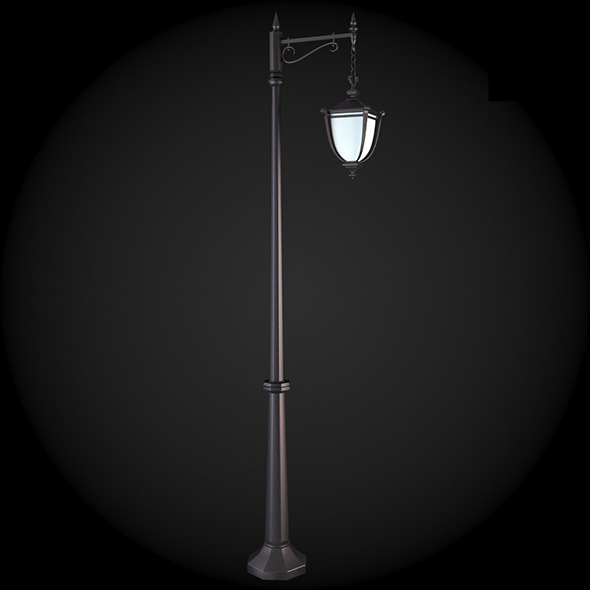
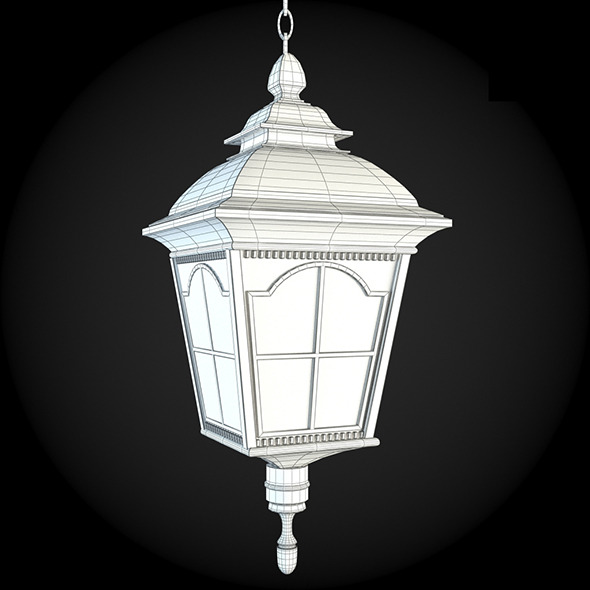
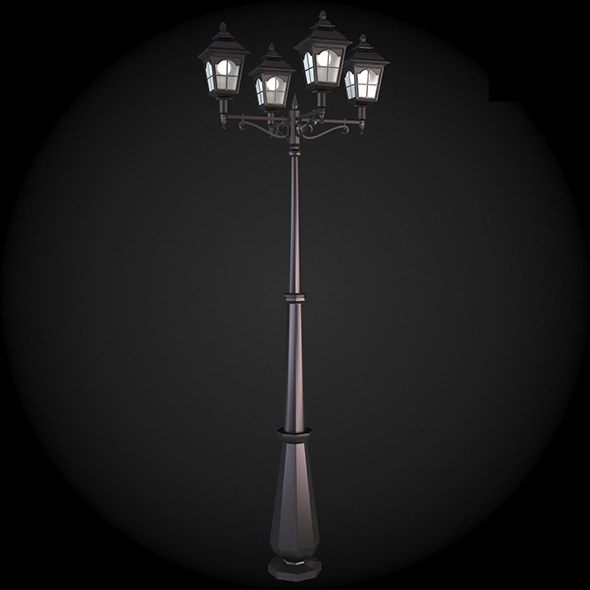
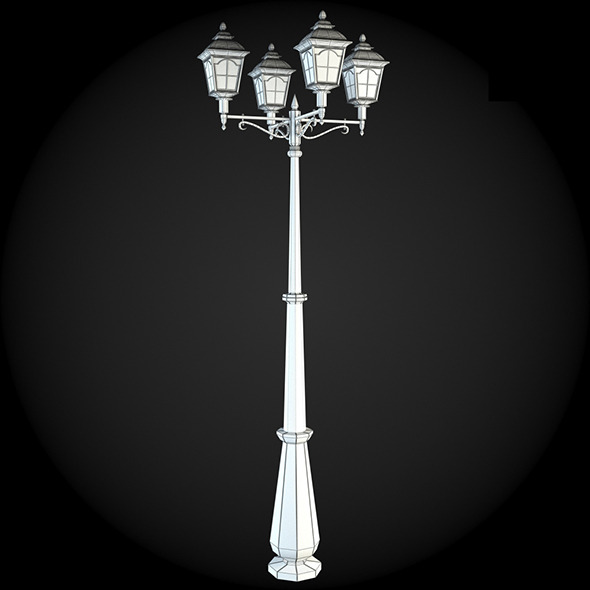
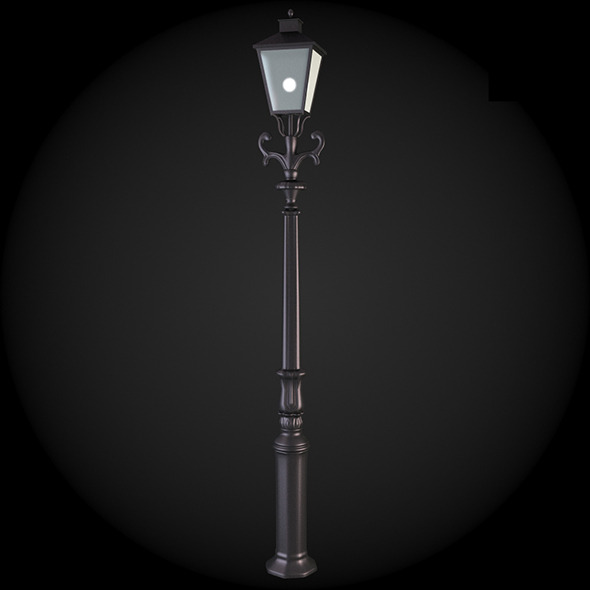
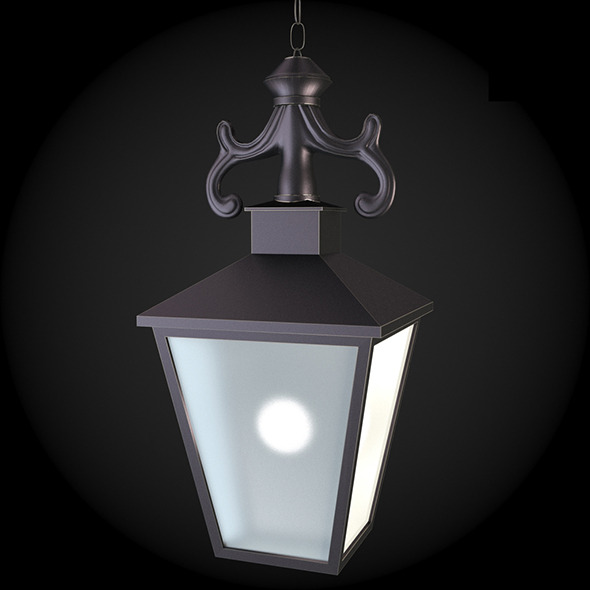
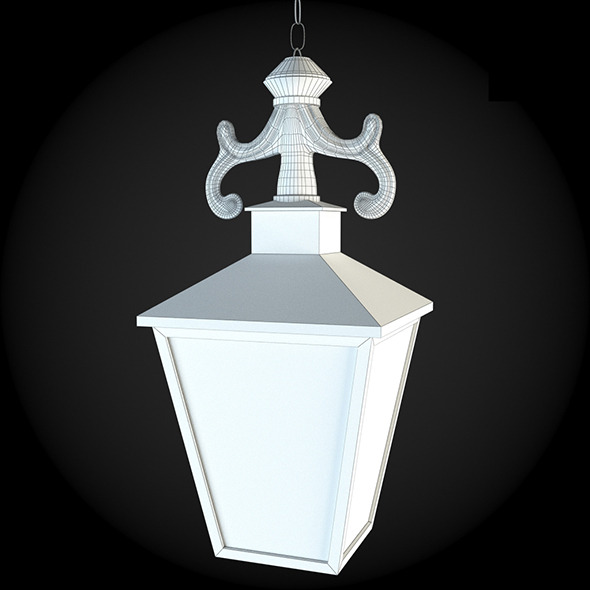
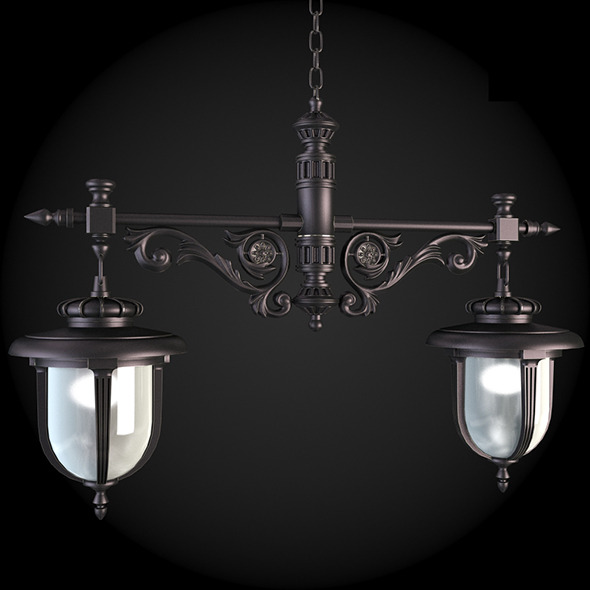
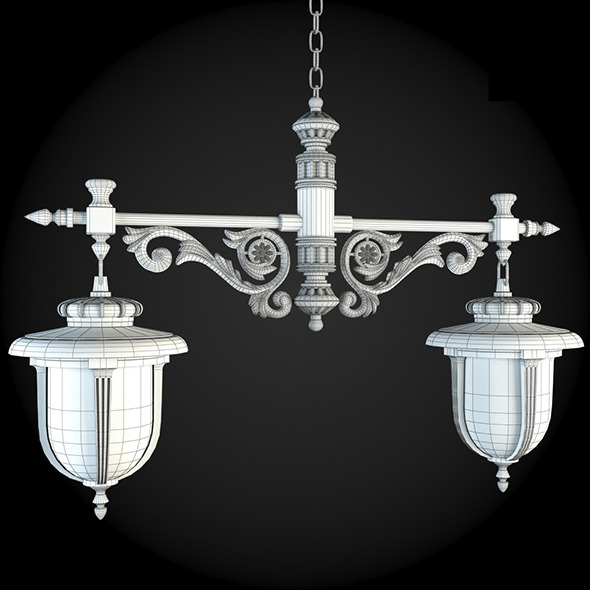
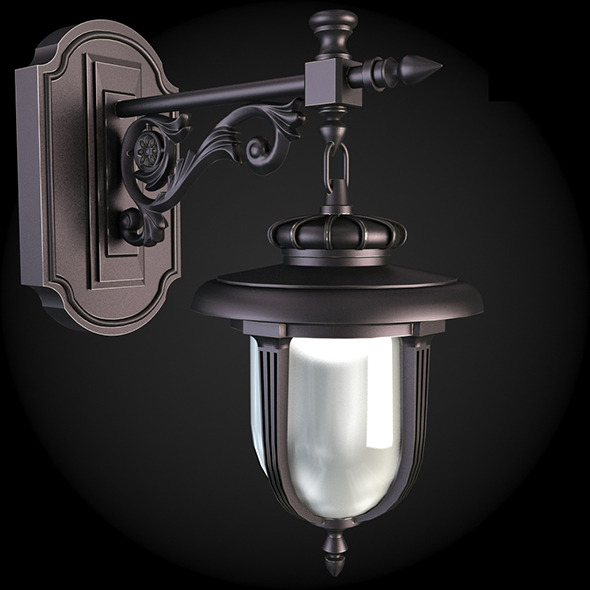
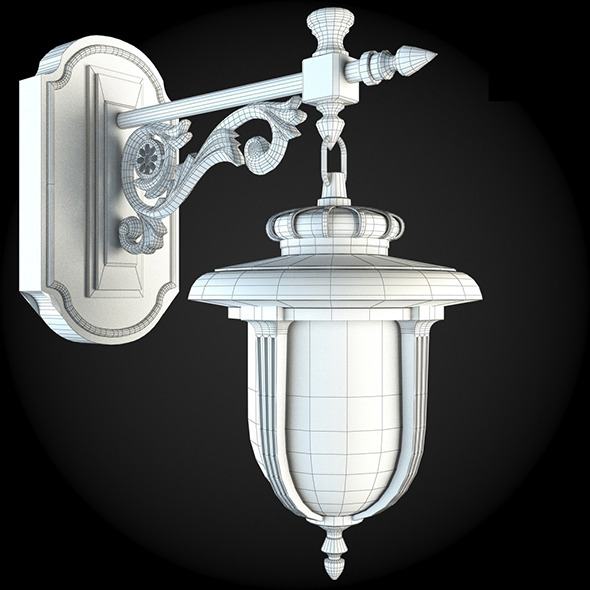
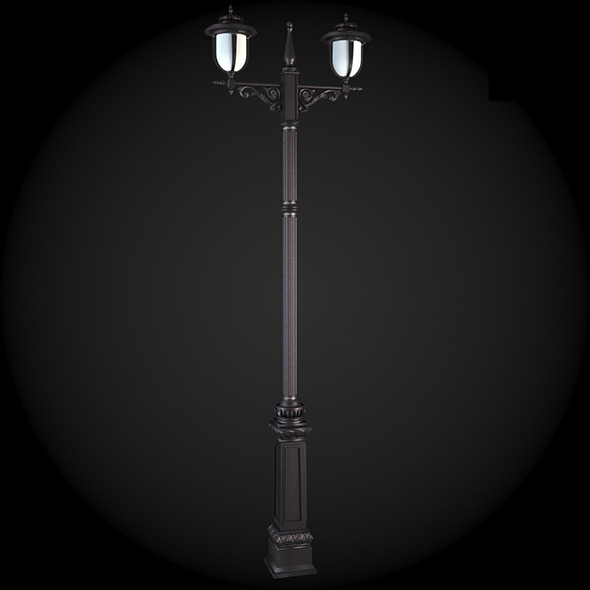
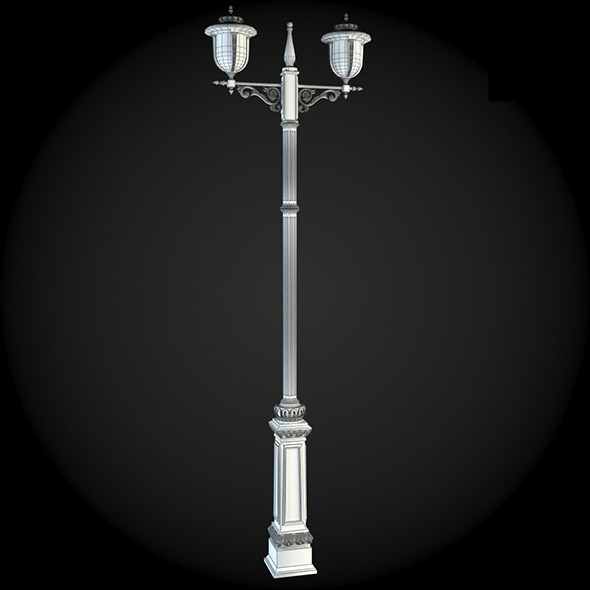
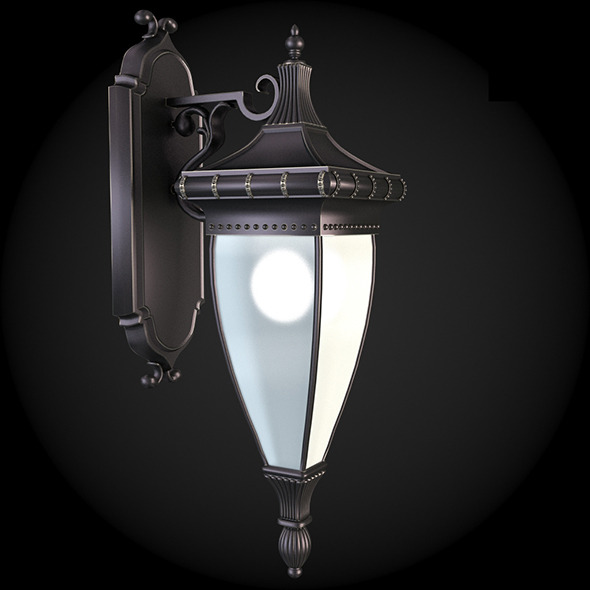
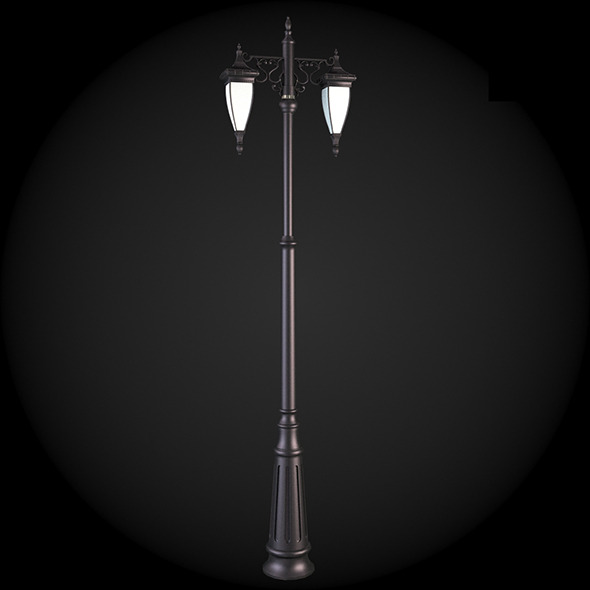
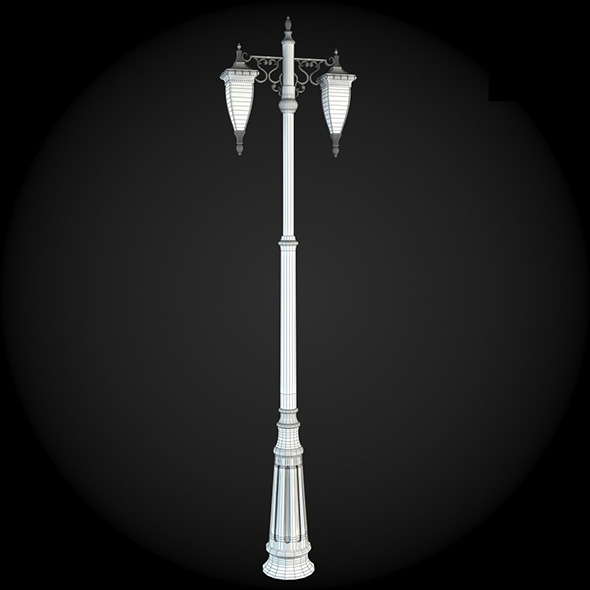
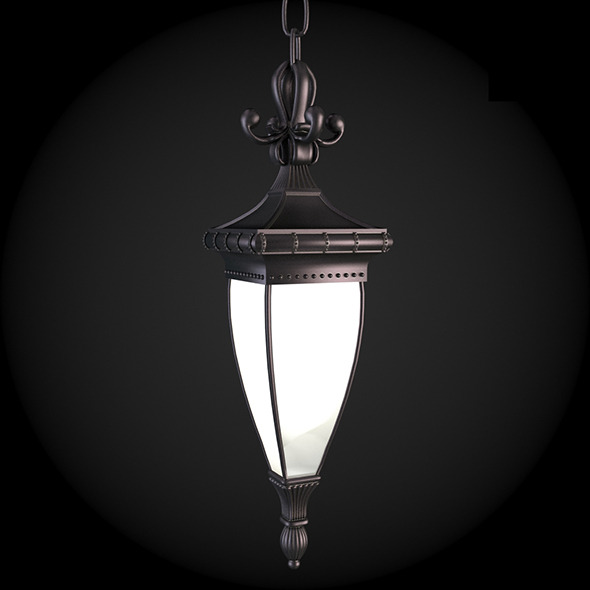
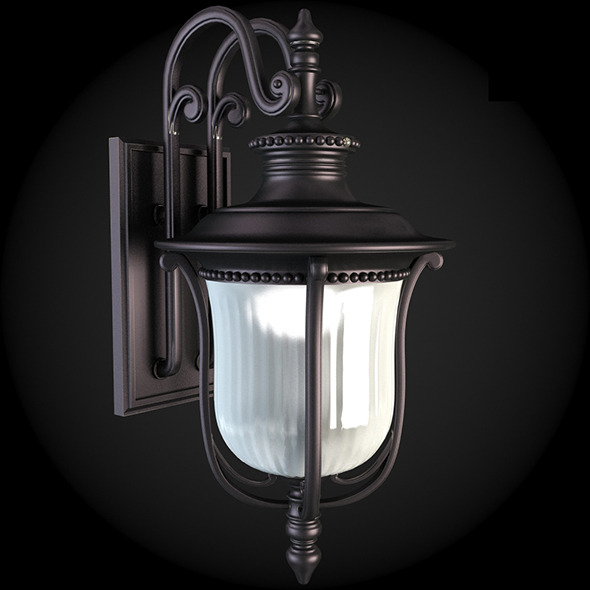
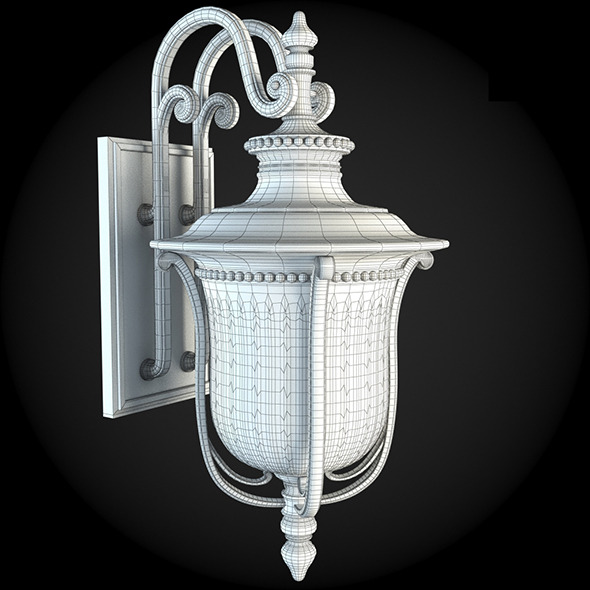
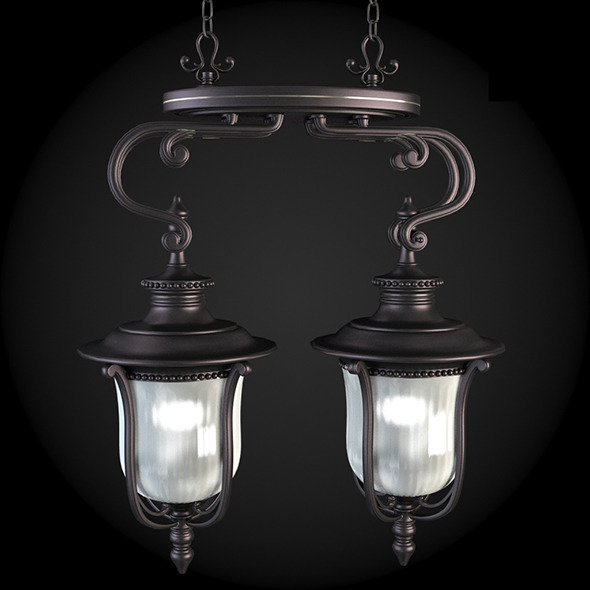
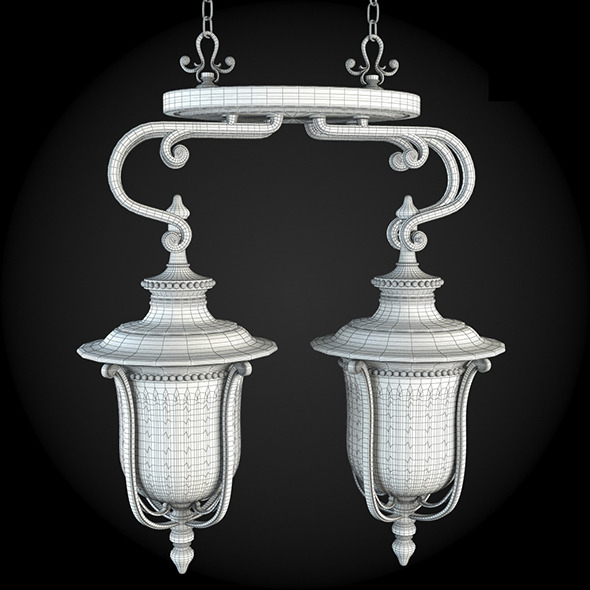
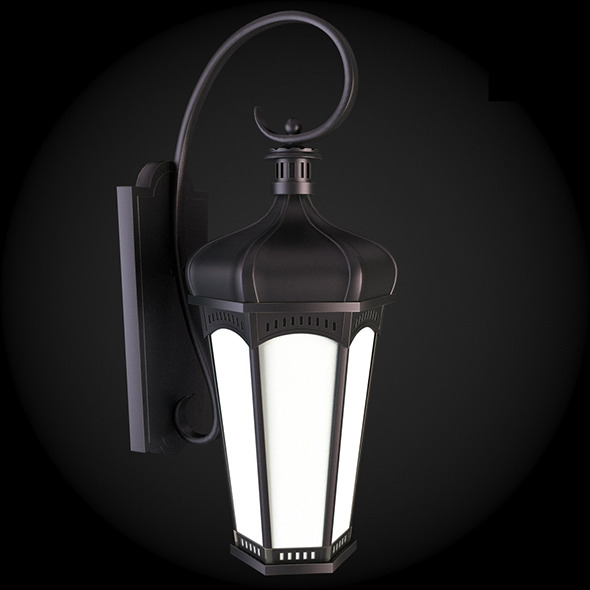
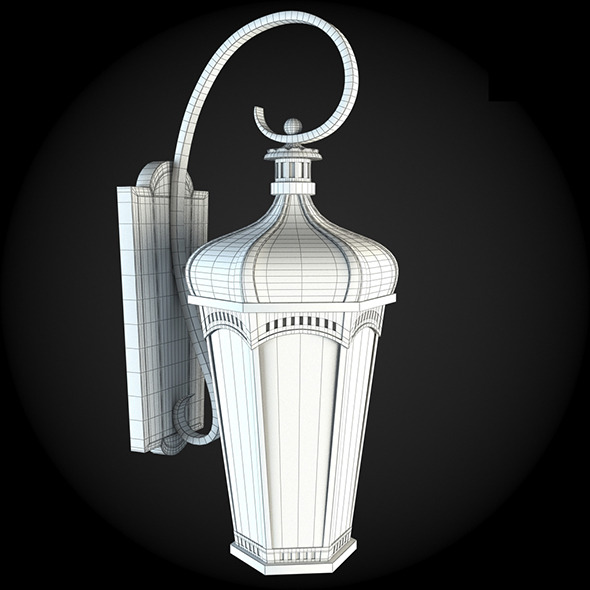
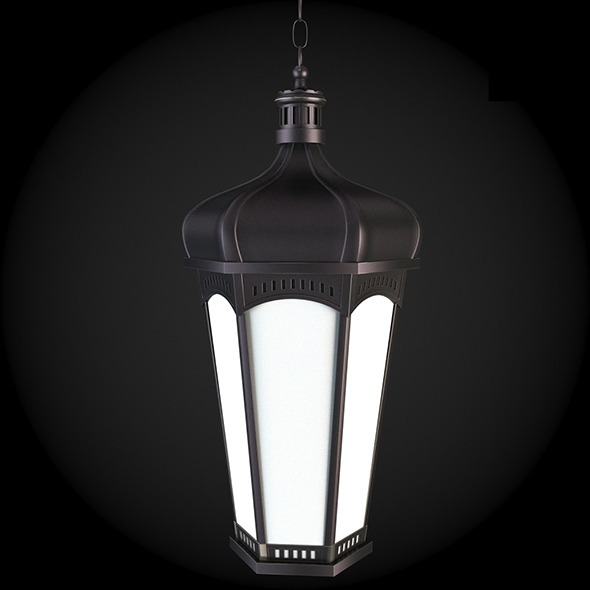
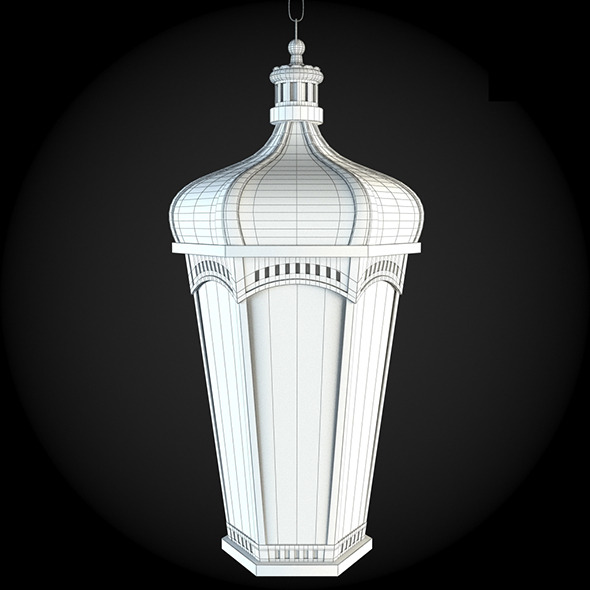
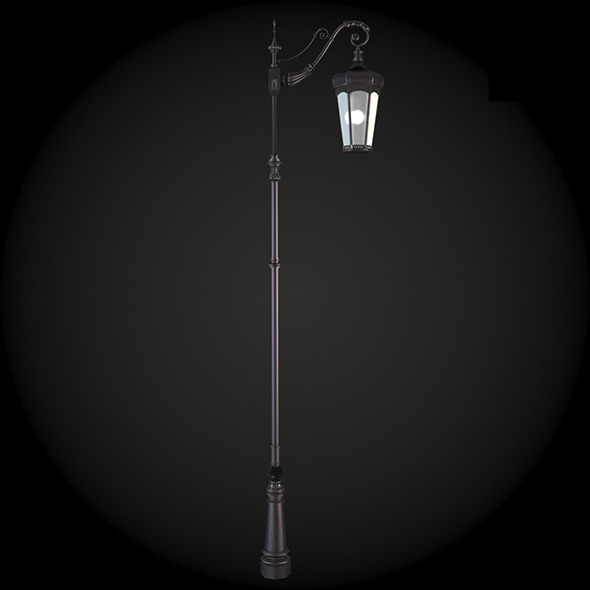
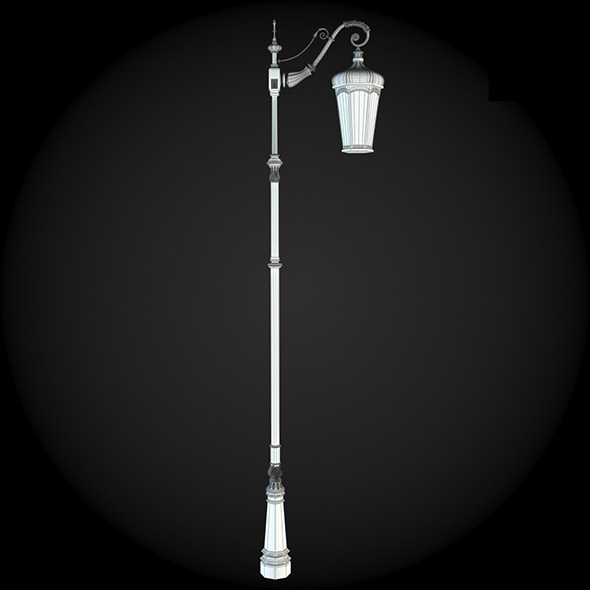
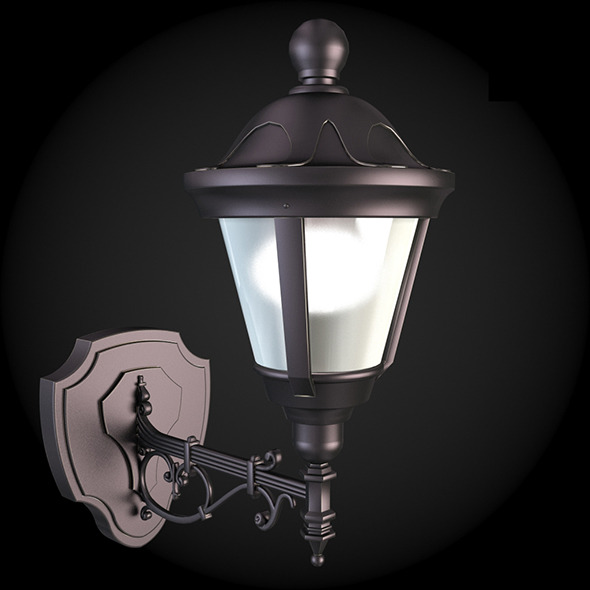
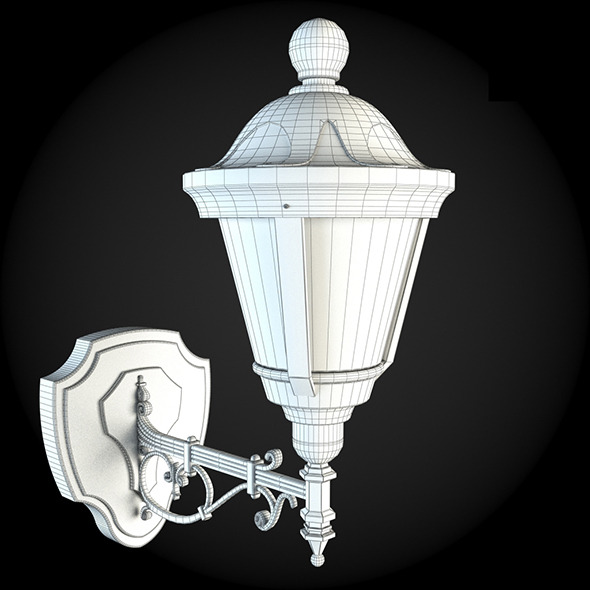
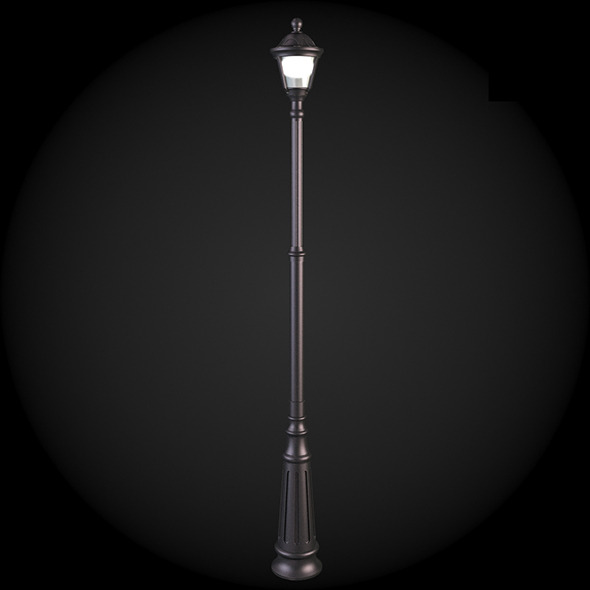
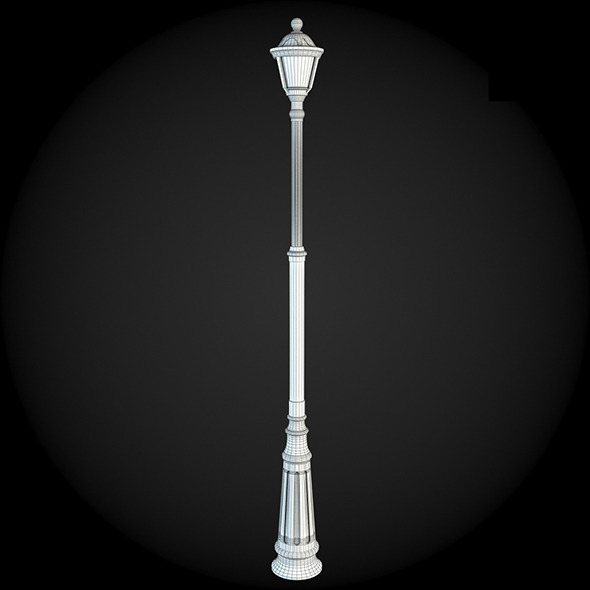
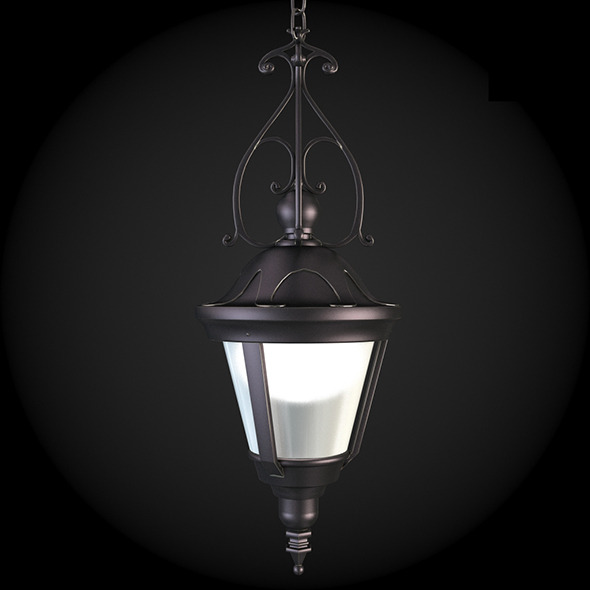
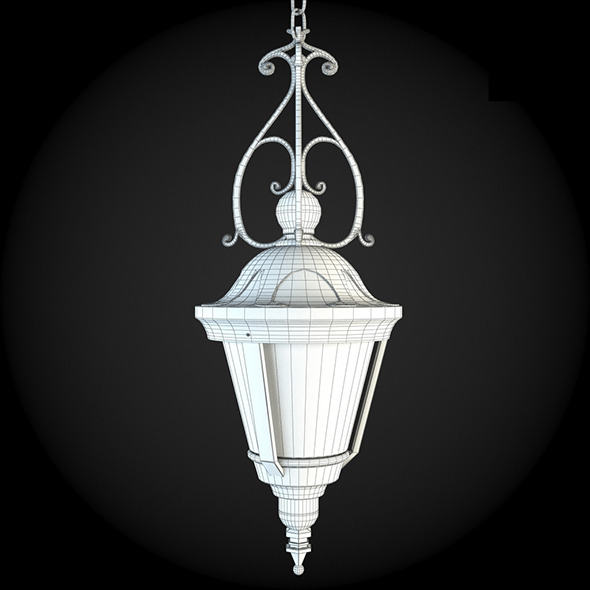
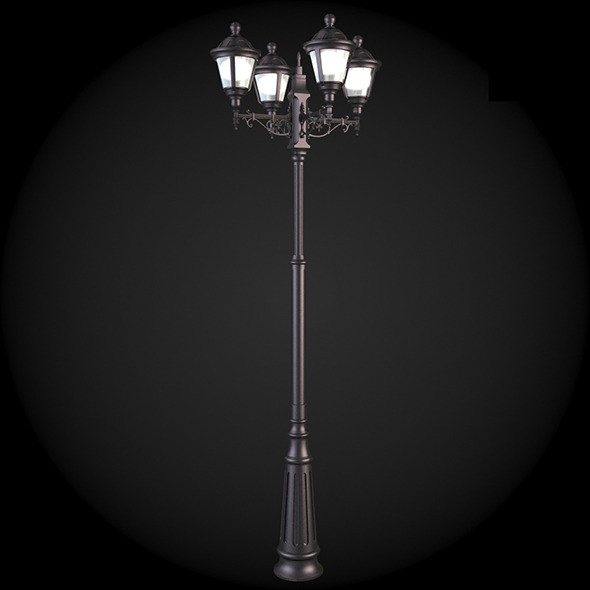
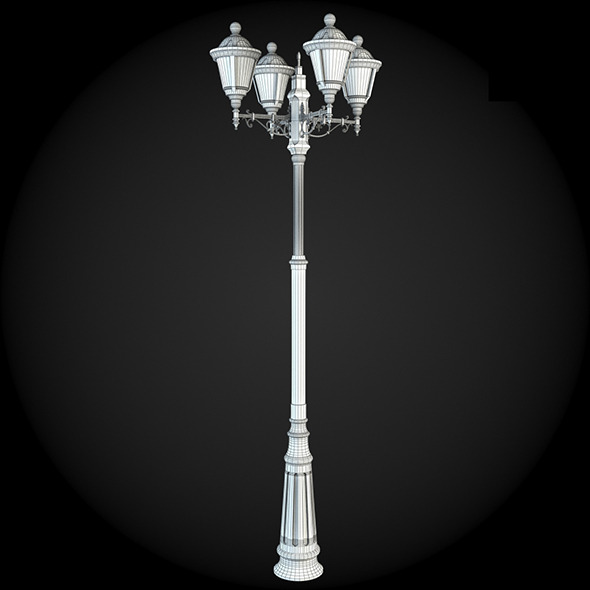
001_Street_Light.jpg 001_Street_Light_grid.jpg 002_Street_Light.jpg 002_Street_Light_grid.jpg 003_Street_Light.jpg 003_Street_Light_grid.jpg 004_Street_Light.jpg 004_Street_Light_grid.jpg 005_Street_Light.jpg 005_Street_Light_grid.jpg 006_Street_Light.jpg 006_Street_Light_grid.jpg 007_Street_Light.jpg 007_Street_Light_grid.jpg 008_Street_Light.jpg 008_Street_Light_grid.jpg 009_Street_Light.jpg 009_Street_Light_grid.jpg 010_Street_Light.jpg 010_Street_Light_grid.jpg 011_Street_Light.jpg 011_Street_Light_grid.jpg 012_Street_Light.jpg 012_Street_Light_grid.jpg 013_Street_Light.jpg 013_Street_Light_grid.jpg 014_Street_Light.jpg 014_Street_Light_grid.jpg 015_Street_Light.jpg 015_Street_Light_grid.jpg 016_Street_Light.jpg 016_Street_Light__grid.jpg 017_Street_Light.jpg 017_Street_Light_grid.jpg 018_Street_Light.jpg 018_Street_Light_grid.jpg 019_Street_Light.jpg 019_Street_Light_grid.jpg 020_Street_Light.jpg 020_Street_Light_grid.jpg 021_Street_Light.jpg 021_Street_Light_grid.jpg 022_Street_Light.jpg 022_Street_Light_grid.jpg 023_Street_Light.jpg 023_Street_Light_grid.jpg 024_Street_Light.jpg 024_Street_Light_grid.jpg 025_Street_Light.jpg 025_Street_Light_grid.jpg 026_Street_Light.jpg 026_Street_Light_grid.jpg 027_Street_Light.jpg 027_Street_Light_grid.jpg 028_Street_Light.jpg 028_Street_Light_grid.jpg 029_Street_Light.jpg 029_Street_Light_grid.jpg 030_Street_Light.jpg 030_Street_Light_grid.jpg 031_Street_Light.jpg 031_Street_Light_grid.jpg 032_Street_Light.jpg 032_Street_Light_grid.jpg 033_Street_Light.jpg 033_Street_Light_grid.jpg 034_Street_Light.jpg 034_Street_Light_grid.jpg 035_Street_Light.jpg 035_Street_Light_grid.jpg 036_Street_Light.jpg 036_Street_Light_grid.jpg 037_Street_Light.jpg 037_Street_Light_grid.jpg 038_Street_Light.jpg 038_Street_Light_grid.jpg 039_Street_Light.jpg 039_Street_Light_grid.jpg 040_Street_Light.jpg 040_Street_Light_grid.jpg
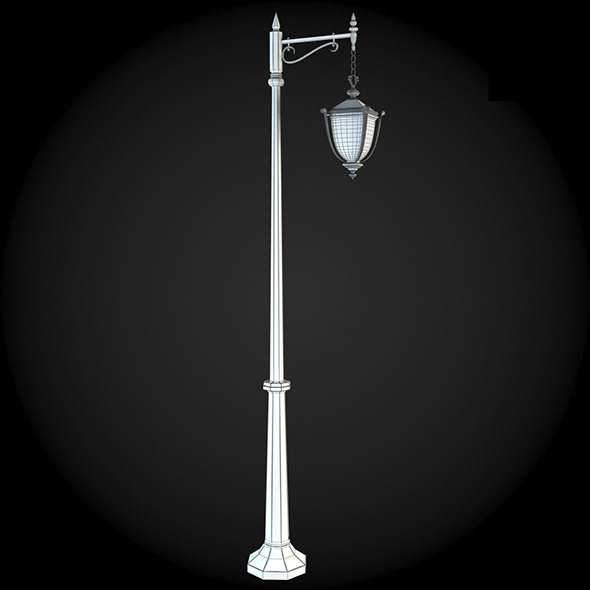
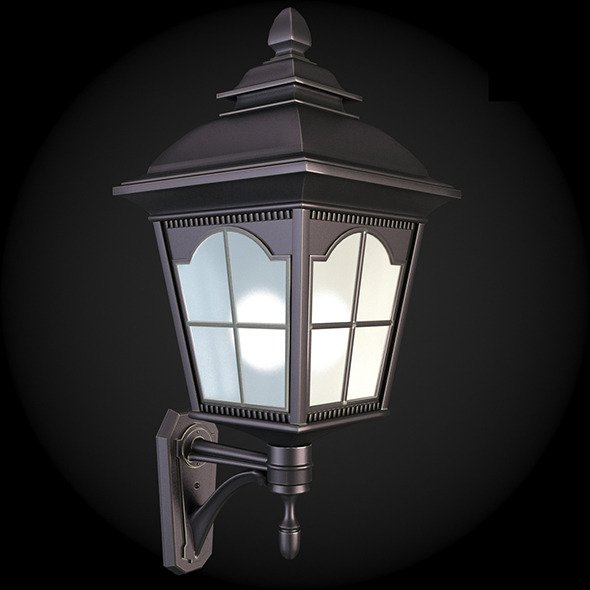
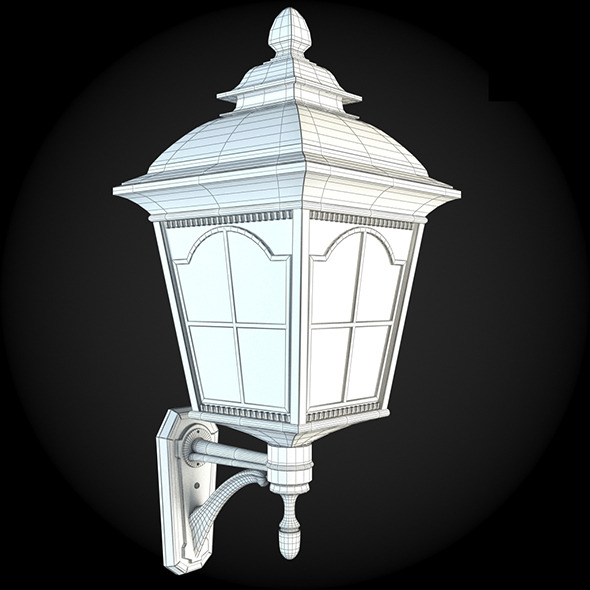
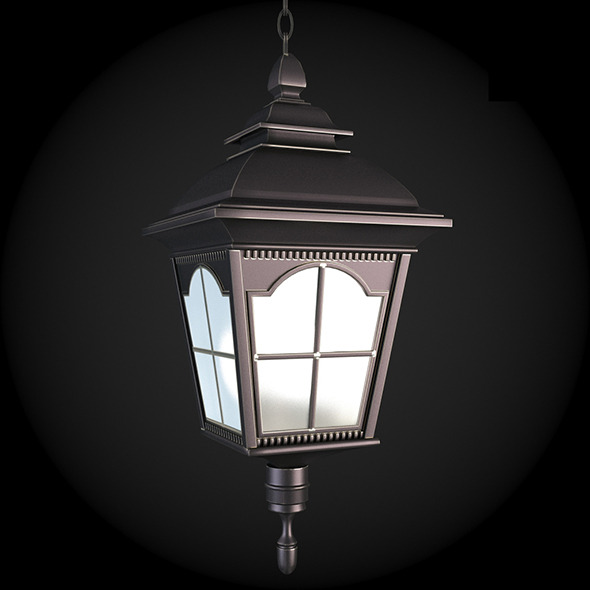
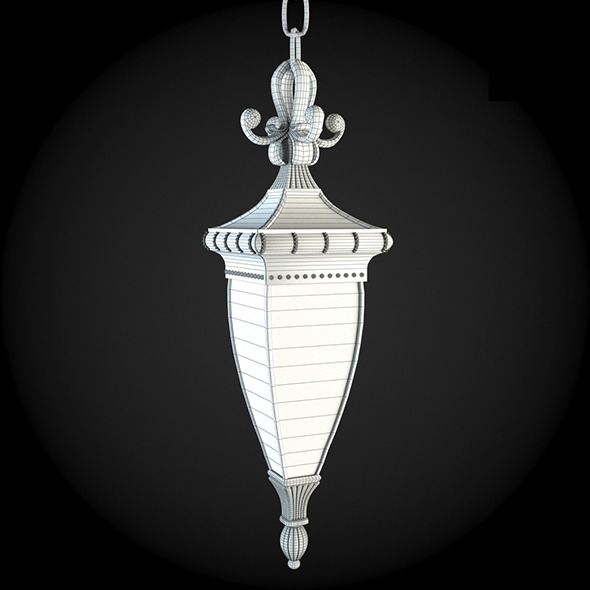
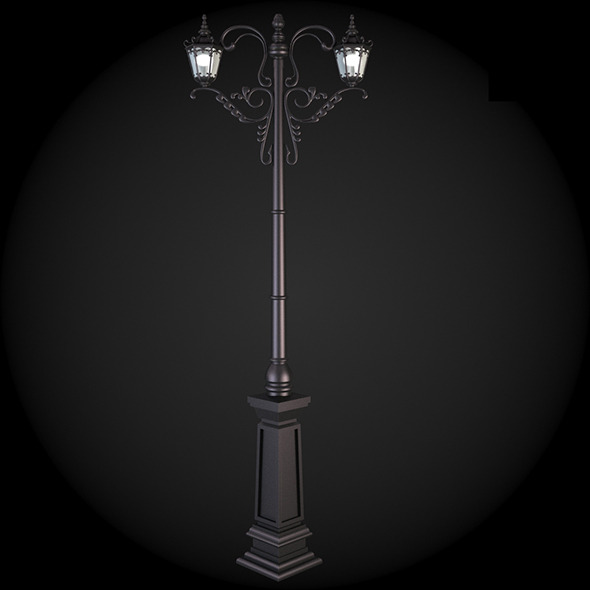
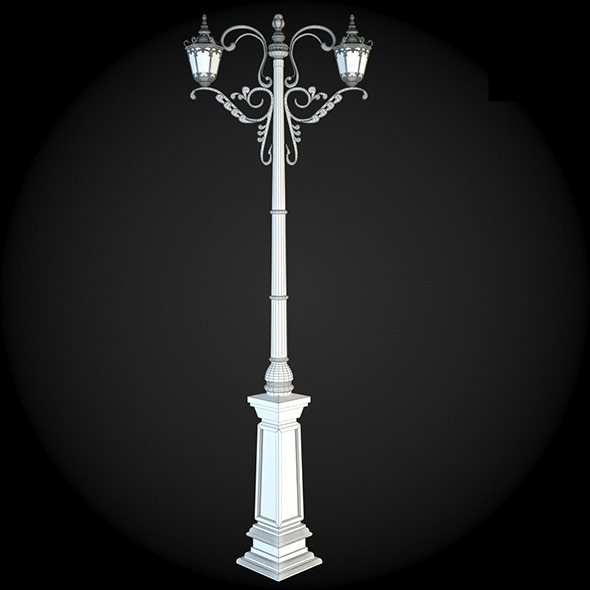
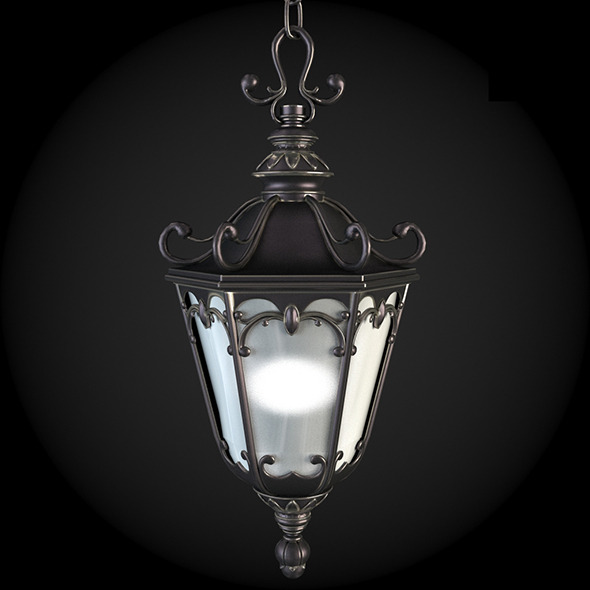
Bundle of high quality polygonal models of street lights.
3D File includes
- .max (3ds Max 2010 for separate models)
- .max (3ds Max 2010 for the scene, whose models are presented as XRef Objects with Proxy Object option)
- .max (3ds Max 2012 for the scene, whose models are presented as XRef Objects with Proxy Object option)
- .obj (low poly)
- .obj (high poly)
- .fbx (low poly)
- *.fbx (high poly)
- For all the scenes with XRef Objects, the Proxy Object option for quick saving of the file edition and Viewport drawings is used
- All paths in the scene are relative to the project folder
- 3d model are located in corresponding layers for easy scene management
- Named objects\materials\layers for easy navigation
Standardized scene arrangement, easy-to-use setup will let you effectively use our product in the process of designing and projecting.
Named object layers and material allow you to orientate yourself in the wide range of scenes and make the whole work process much easier.
XRef links simplify the basic scene by reducing the file’s size and increasing the speed of work in viewports due to the fact that models have their low-poly copies for proxy representation. The link system is arranged in such a way that customer is able to change mapping and material of the models directly in the scene without correcting the external original file, that is, the same original model may have each own unique color solution in each of your scenes.
Absolute advantage of such approach is the small size of the work file which gives an opportunity to use regular equipment without using expensive professional machines.
If for some reasons you are not a fan of using external links in your projects – don’t get upset. Our product is completed with the scene where all the models are presented in the original mesh.

Power Elite Author
This item may not be property released.
© All Rights Reserved ThemeREX
Contact the Envato Market Help Team
Contact the Envato Market Help Team