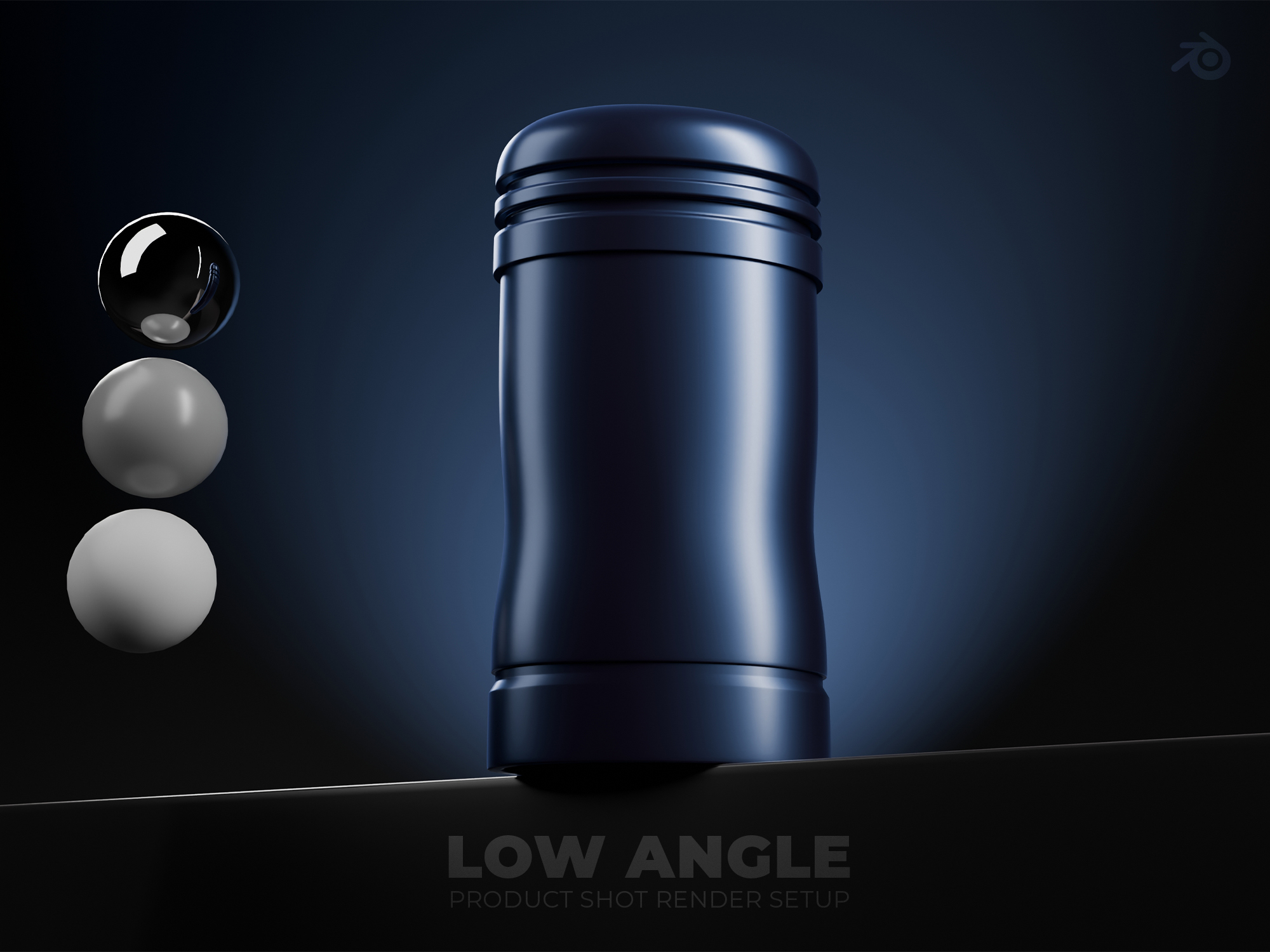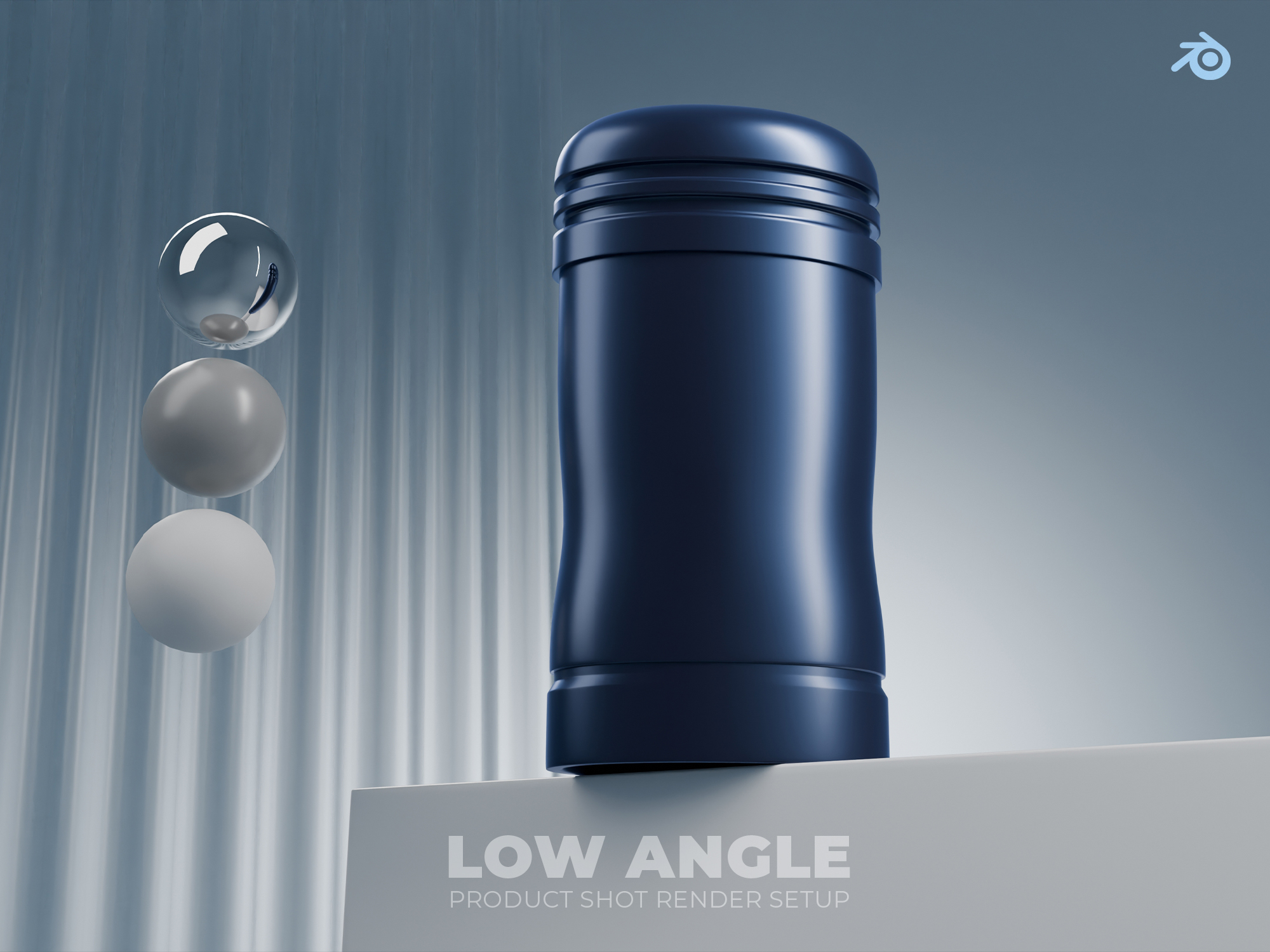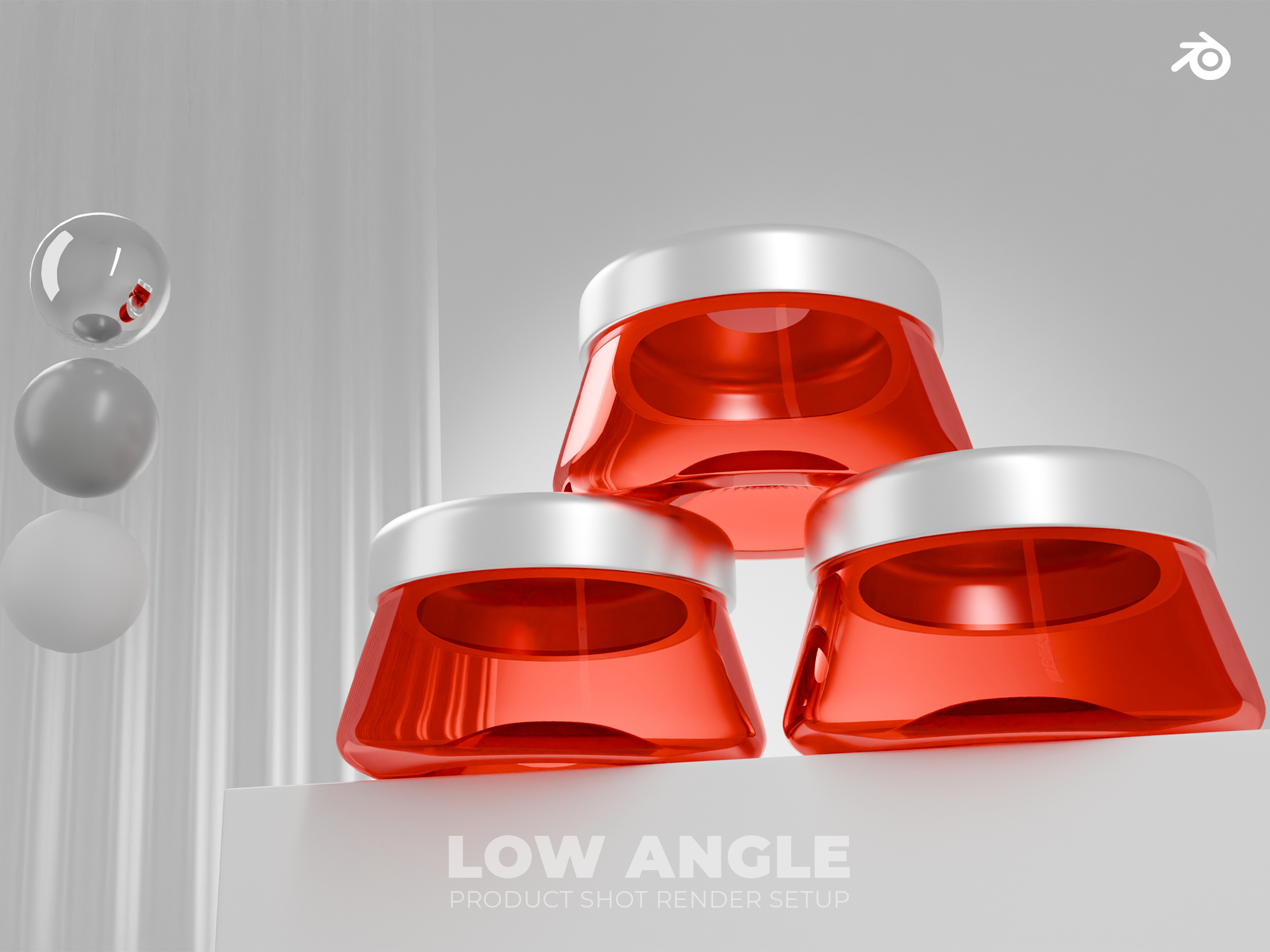
This is a scene created for Blender in which you only need to place your modeled product on the platform. It does not include modeled products for preview purposes.
The lights have a tracker with an empty object named Move lights. Simply moving that empty will move all the lights, except for the background World light.
You can change the light colors at any time and modify the scene as needed. It’s also possible to change the color of any object in the scene by simply editing its material.
The spheres included in the scene are just to show how the light behaves with different types of materials.
There is an object called “plastic plate”, which is just an extra you can use in case you like it.
To hide layers, click the eye icon. To keep any object, light, background, or anything else from showing in the render, just turn off the camera icon.
Finally, in the “compositing” window, you’ll find some minor adjustments added to enhance the image with more saturation and overall better look. If you don’t want to use it, simply uncheck the “Use Nodes” option at the top.
I hope you can make the most out of this scene!